Press kit
Video Compressor press kit
An iPhone, iPad and iPhone Duo app that compresses videos on the device and shows the result next to the original before anything is deleted. Everything below is ready to copy.
One-liner
Video Compressor, an iPhone, iPad and iPhone Duo app by indie developer Antoine van der Lee, shrinks videos on the device and shows the result next to the original before anything is deleted.
Fact sheet
- Developer
- Antoine van der Lee, independent iOS developer, the Netherlands
- Released
- September 24, 2026
- Platforms
- iPhone, iPad and iPhone Duo (iOS 17.0 or later, iPadOS 17.0 or later)
- Website
- https://videocompression.app
- Pricing
- Free to download. The first 1 GB of storage saved is free. Pro is $4.99 per week, $29.99 per year or $49.99 as a one-time purchase.
Story angles
- See the result before you delete. Video Compressor saves a compressed copy, shows it next to the original with a comparison slider, and deletes an original only after iOS asks for confirmation.
- Compression stays on the iPhone, iPad and iPhone Duo. Videos are compressed on the device and not uploaded to a compression service. Videos stored in iCloud are first downloaded by iOS.
Use cases
- One big video. Sort by largest, shrink one long video, compare it with the original and keep the smaller copy.
- A full iCloud plan. Compress videos before the next iCloud upgrade. If iCloud Photos is on, deleting an original also removes it from iCloud, but only after iOS asks for confirmation.
- A full iPhone. Find the videos stored on the device, see the estimated savings and free up space. Nothing is deleted without a confirmation.
Short description
Video Compressor helps people free up iPhone, iPad and iPhone Duo storage by compressing the videos in their Photos library. It estimates the savings first, compresses on the device without uploading videos, and shows the original next to the compressed copy. Deleting an original is always a separate choice.
Pricing and subscription
Free to download. The first 1 GB of storage saved is free. Compression shown during onboarding does not count.
Weekly
$4.99 per week
Renews every week until cancelled.
Yearly
$29.99 per year
Renews every year until cancelled.
Lifetime
$49.99 one-time purchase
Pay once, no subscription.
Reference prices on the US App Store. Apple shows the price for your own storefront before purchase. Subscriptions renew automatically until cancelled and are managed in Apple Account settings.
Pro removes the free limit. The app has no ads and no account, so Pro purchases fund its development.
Accessibility
Accessibility features Video Compressor supports.
- VoiceOver
- Voice Control
- Larger Text
- Dark Interface
- Differentiate Without Color Alone
- Sufficient Contrast
- Reduced Motion
Declared in App Store Connect for iPhone.
Supported technologies
Apple technologies Video Compressor uses.
- Foundation Models iOS 26 On-device labels for Smart Cleanup and opportunities, plus Ask Smart Cleanup, on supported devices.
- Background continued processing iOS 26 Compression keeps running in the background and is shown as a Live Activity.
- PhotoKit Scans the Photos library and saves videos to it.
- AVFoundation and MediaToolSwift Compresses videos on the device, with HEVC by default.
- Vision Groups visually similar videos and recognizes text on the device.
- Liquid Glass iOS 26 Native Liquid Glass controls.
- Core Location and MapKit iOS 26 Place names for trips.
- App Shortcuts Four App Shortcuts report reclaimable and lifetime savings, open video review for recent, large, long or 4K collections, and browse large videos from Siri, Spotlight and the Shortcuts app.
- StoreKit in-app purchases Optional Pro subscriptions and a one-time Lifetime purchase, handled through RevenueCat.
Video Compressor supports iOS 17.0 and later.
Quote
Short quote
“My mission is to keep valuable moments captured in video while using less storage and retaining high enough quality.”
Antoine van der Lee, developer of Video Compressor
Full quote
“There are plenty of video compressor apps, but I felt there's more potential in embracing what iOS has to offer. I used my years of experience to build one that feels like a native system app, with the latest APIs and Live Activities. You always see the result next to the original before deleting anything, so you never find out later that a compressed video is low quality. My mission is to keep valuable moments captured in video while using less storage and retaining high enough quality.”
Antoine van der Lee, developer of Video Compressor
About Antoine

Antoine van der Lee is an independent iOS developer from the Netherlands. He has built iOS apps since 2009, including as Staff iOS Engineer at WeTransfer. He now ships his own apps, Video Compressor and RocketSim, writes about iOS development at SwiftLee, and speaks at many international iOS conferences.
In his experience, videos take up most of the storage on an iPhone. He built Video Compressor so people do not have to pay for an expensive iCloud plan or replace an older iPhone because it is full.
Antoine's headshot and photos may be used for press coverage of Video Compressor. Please credit Antoine van der Lee.
Feature highlights
- Estimates the savings before compressing anything.
- Checks every compressed copy for length, audio and quality, and compares it side by side with the original.
- Compresses on the iPhone, iPad and iPhone Duo with HEVC. Videos are not uploaded.
- Deletes an original only after it is confirmed in the system Photos dialog.
- Offers three presets: High Quality, Balanced and Max Saving.
- Groups recent, long, large and 4K videos into smart collections.
- Plans a cleanup from a plain-language request with Ask Smart Cleanup (iOS 26, supported devices).
- Keeps compressing in the background and shows progress in a Live Activity (iOS 26).
- Works with Siri, Spotlight, the Action Button and Shortcuts: ask how much you could save, or review recent, large, long or 4K videos for compression.
- Needs no account and shows no ads.
- Runs on iPhone, iPad and iPhone Duo with layouts that adapt to the larger screen.
- Available in 18 languages. Supports VoiceOver, Voice Control and Larger Text.
Long description
Video Compressor is an iPhone, iPad and iPhone Duo app by Antoine van der Lee, an independent iOS developer in the Netherlands. It is made for people whose iPhone storage is filling up with large videos.
The app scans the Photos library and estimates how much space videos use and how much could be freed. People pick videos themselves or start from smart collections, such as recent, long, large and 4K videos. Siri, Spotlight and Shortcuts can answer how much storage could be saved, and open the review screen for recent, large, long or 4K videos. On supported devices, Ask Smart Cleanup turns a plain-language request into a plan that people review first.
Three presets, High Quality, Balanced and Max Saving, show an estimated result first. Videos are compressed with HEVC on the iPhone, iPad and iPhone Duo. If a video is stored in iCloud, iOS downloads it before compression. The app saves the compressed copy first and shows it next to the original. Deleting an original always needs confirmation in the system Photos dialog. An optional setting can start that step automatically.
Video Compressor needs no account and shows no ads. The first 1 GB of storage saved is free. Pro removes that limit, as a weekly or yearly subscription or a one-time lifetime purchase. Savings and quality depend on the source video and the preset.
Key facts
- App name
- Video Compressor
- App Store listing title (US)
- Video Compressor Free Storage
- Developer
- Antoine van der Lee, independent iOS developer, the Netherlands
- Platforms
- iPhone, iPad and iPhone Duo
- Minimum version
- iOS 17.0 or later, iPadOS 17.0 or later
- App languages
- Arabic, Chinese (Simplified), Chinese (Traditional), Dutch, English, French, German, Hindi, Indonesian, Italian, Japanese, Korean, Polish, Portuguese (Brazil), Russian, Spanish, Turkish, Vietnamese
- Released
- September 24, 2026
- Latest version
- 1.3.2
- Price
- Free to download, with optional Pro subscriptions or a one-time Pro purchase
- App Store
- https://apps.apple.com/app/id6810118769
- Apple ID
- 6810118769
- Bundle ID
- com.swiftlee.storage-cleaner
- Website
- https://videocompression.app
- Press contact
- [email protected]
Downloads
Use these when covering Video Compressor. The screenshots and the onboarding video show the English interface.

Everything in one ZIP
8 App Store screenshots, 3 screenshots in an iPhone frame, the featured image in 4 sizes, 7 photo files by Antoine, the app icon, 2 videos, and a text file with this page's English copy. 26 files, 14 MB in total.


Featured image
Three screens of the app side by side on a dark blue gradient background. The same image in four sizes.


App Store screenshots
Web resolution, 700 px wide, WebP.
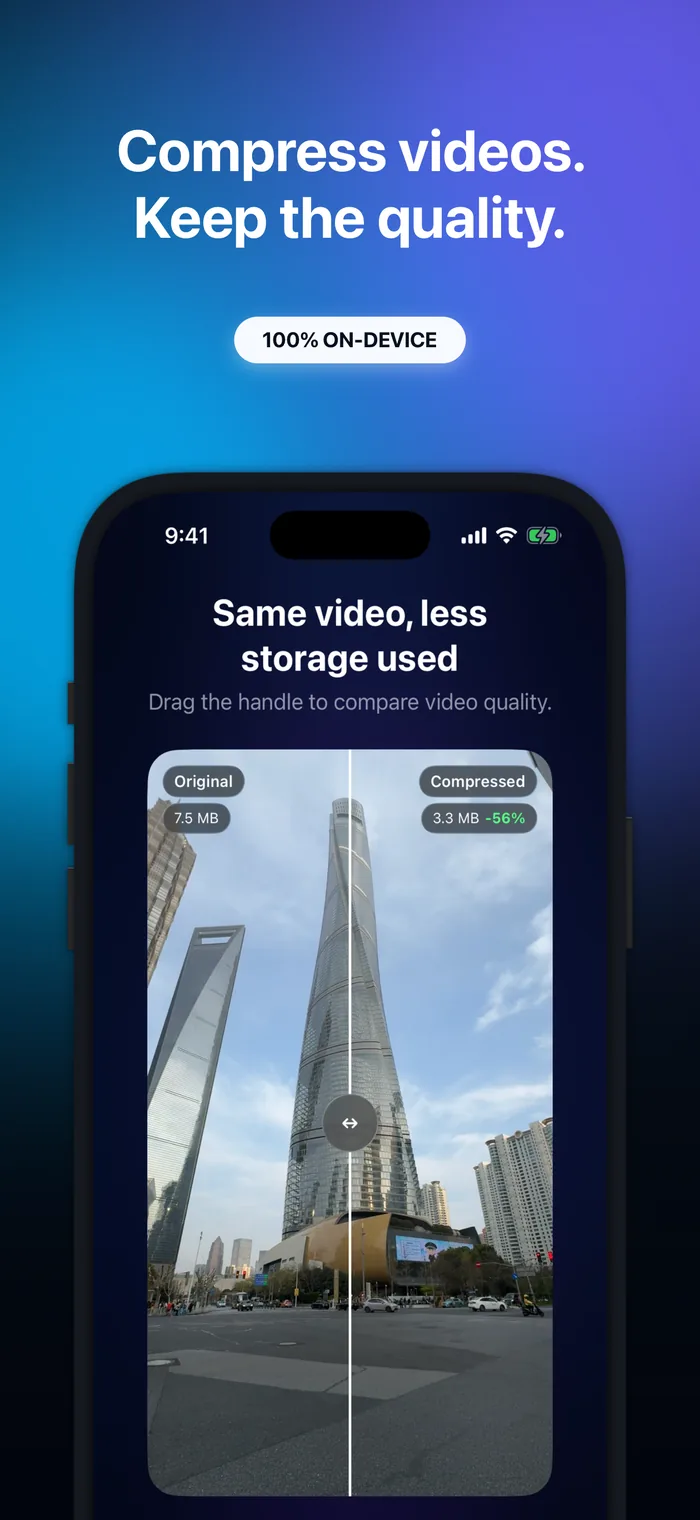
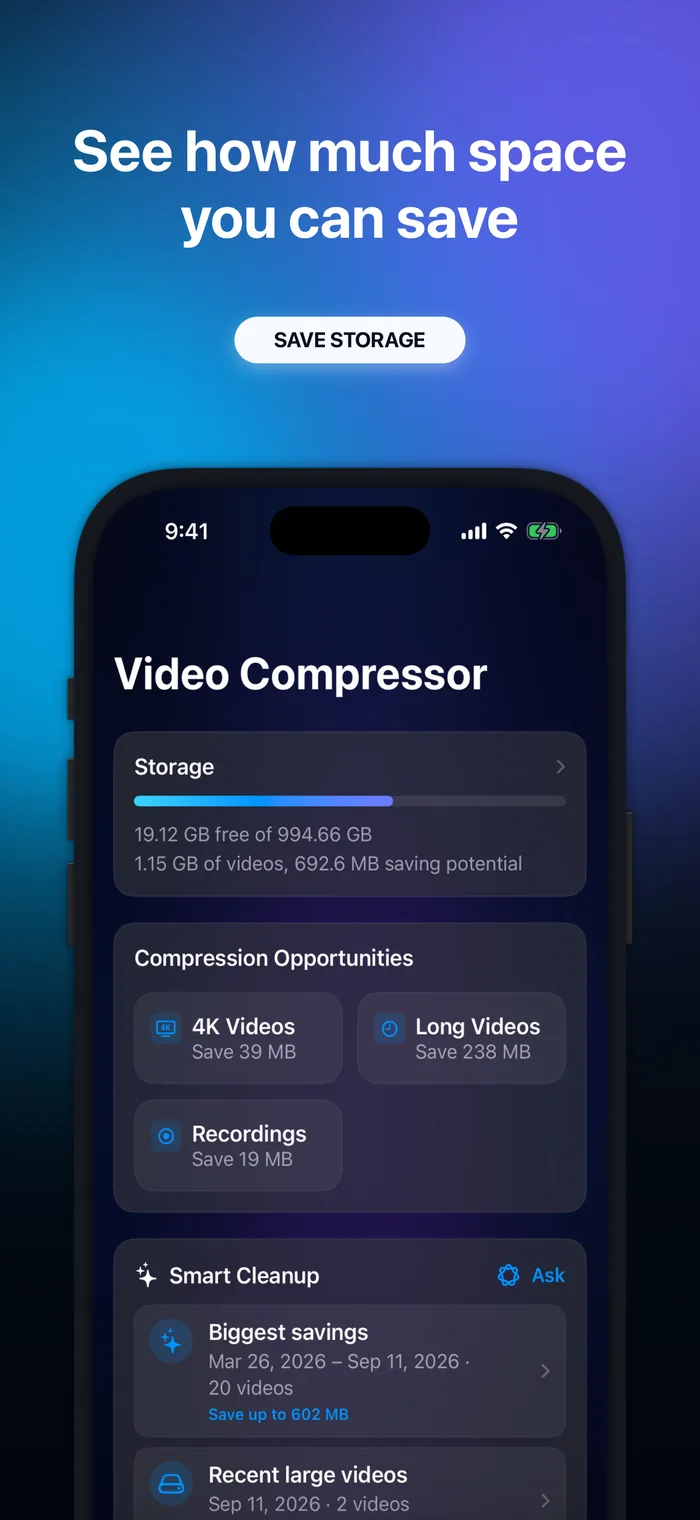
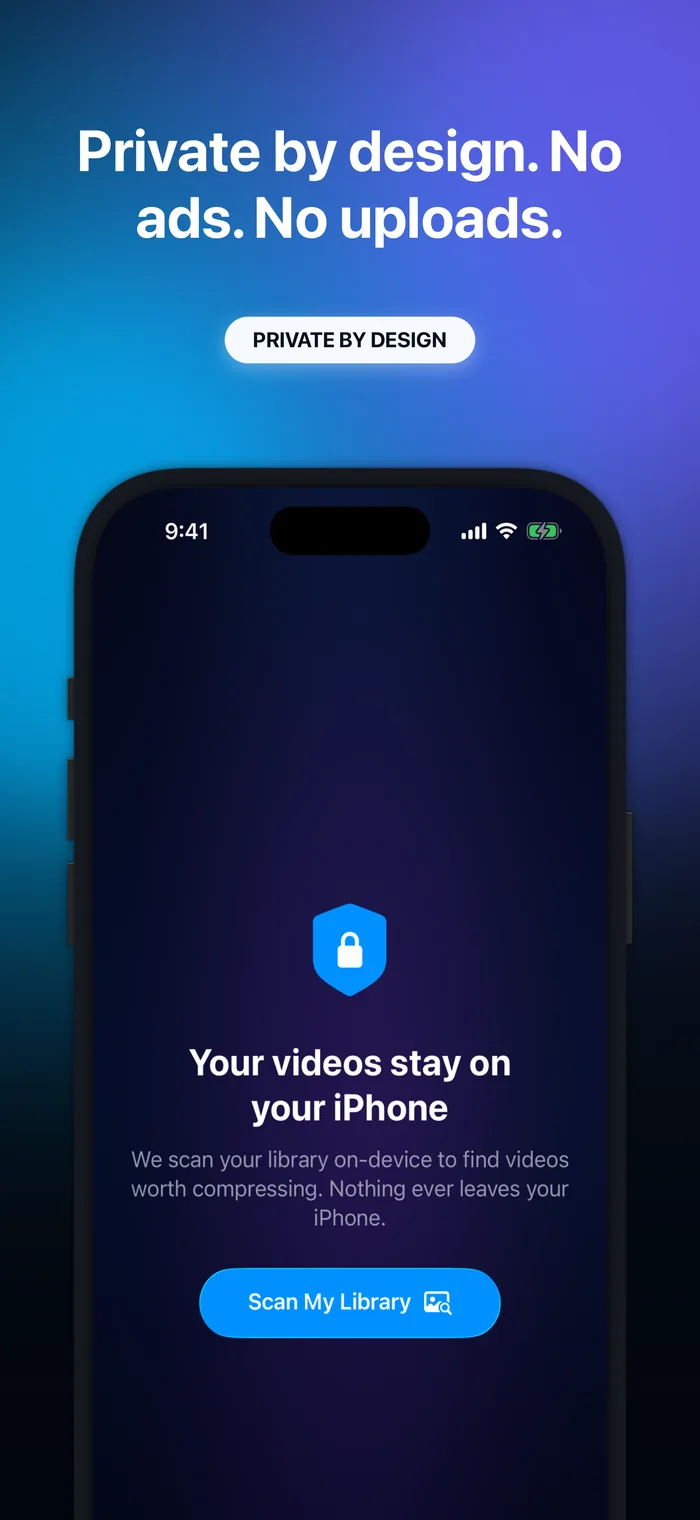
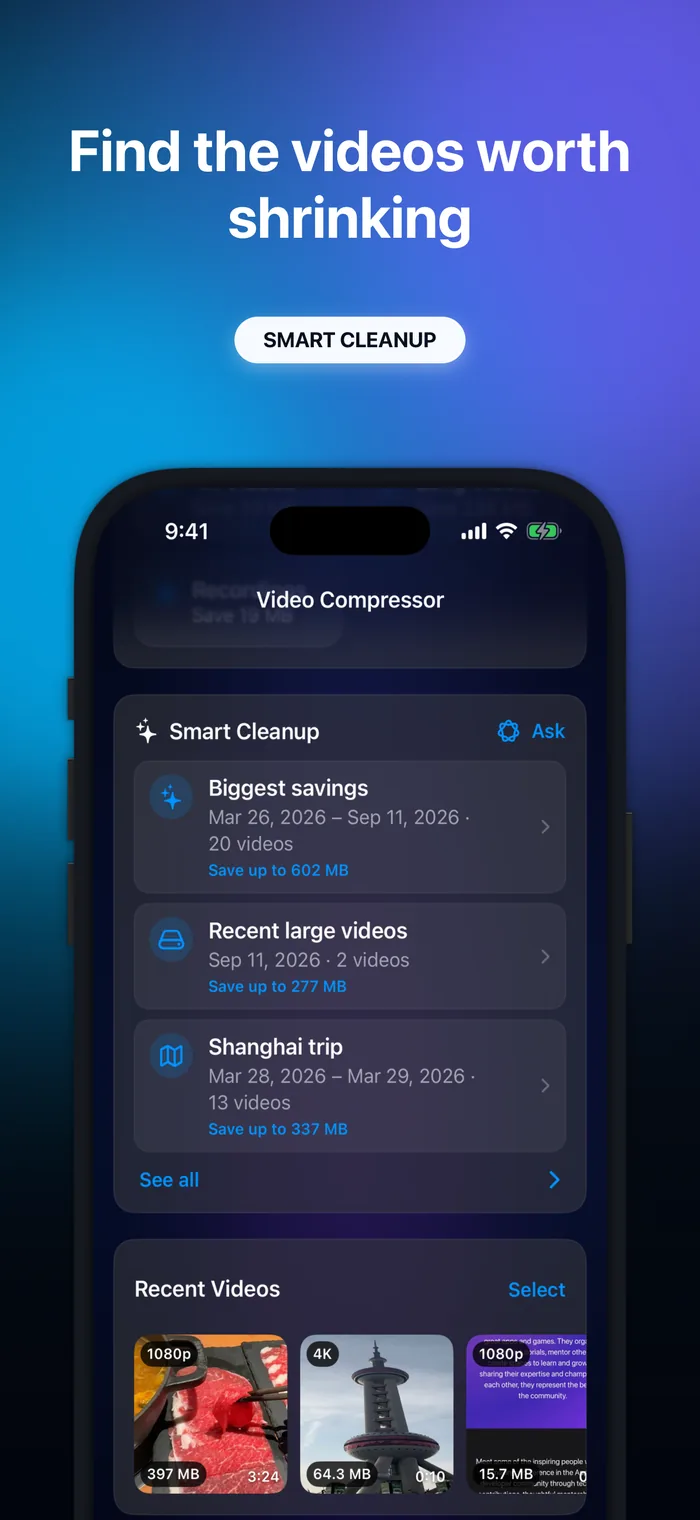
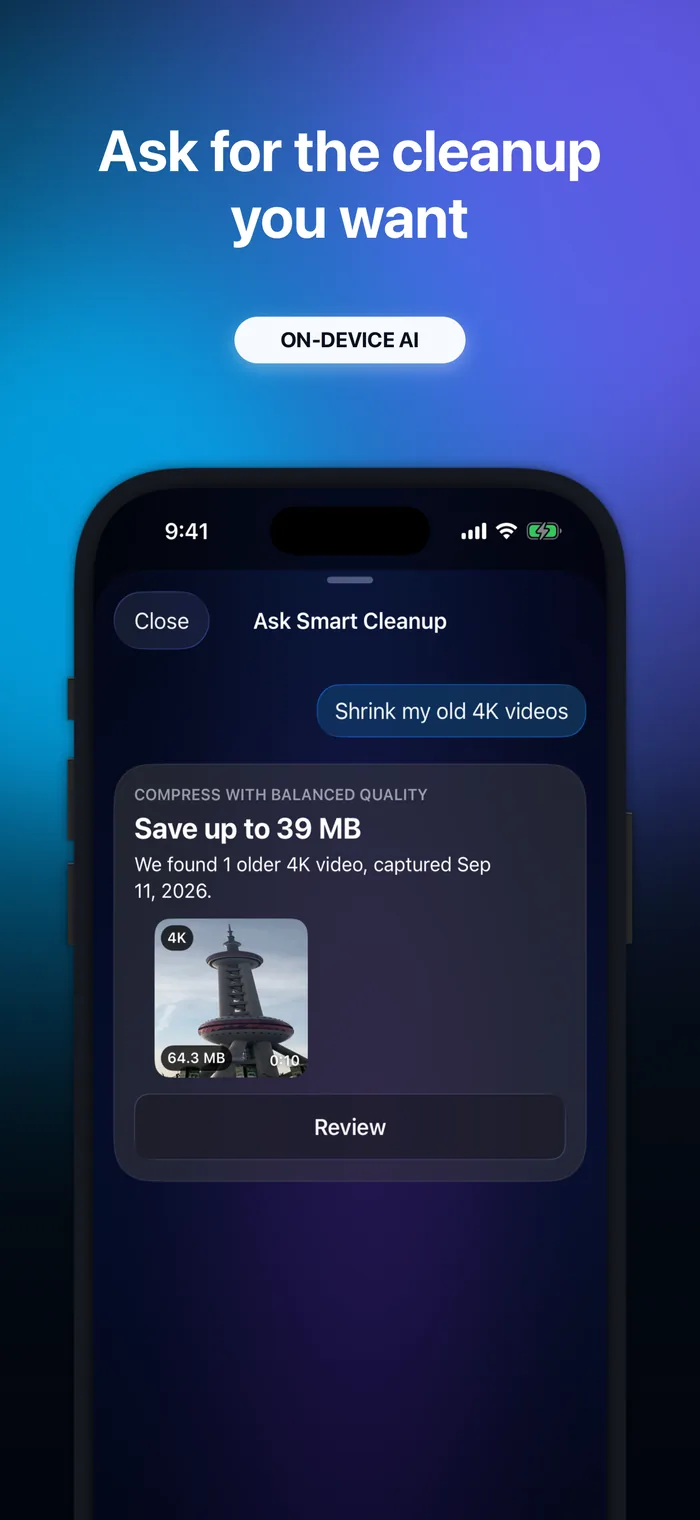
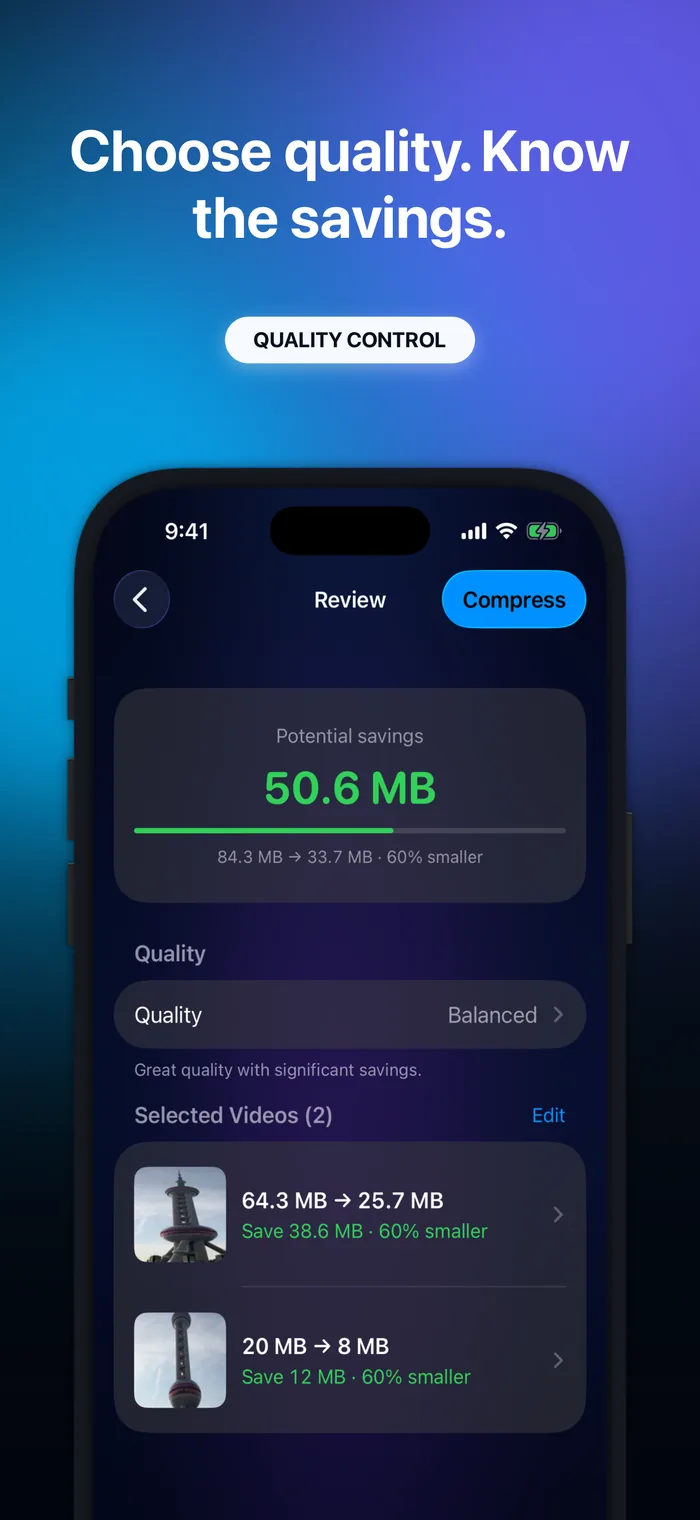
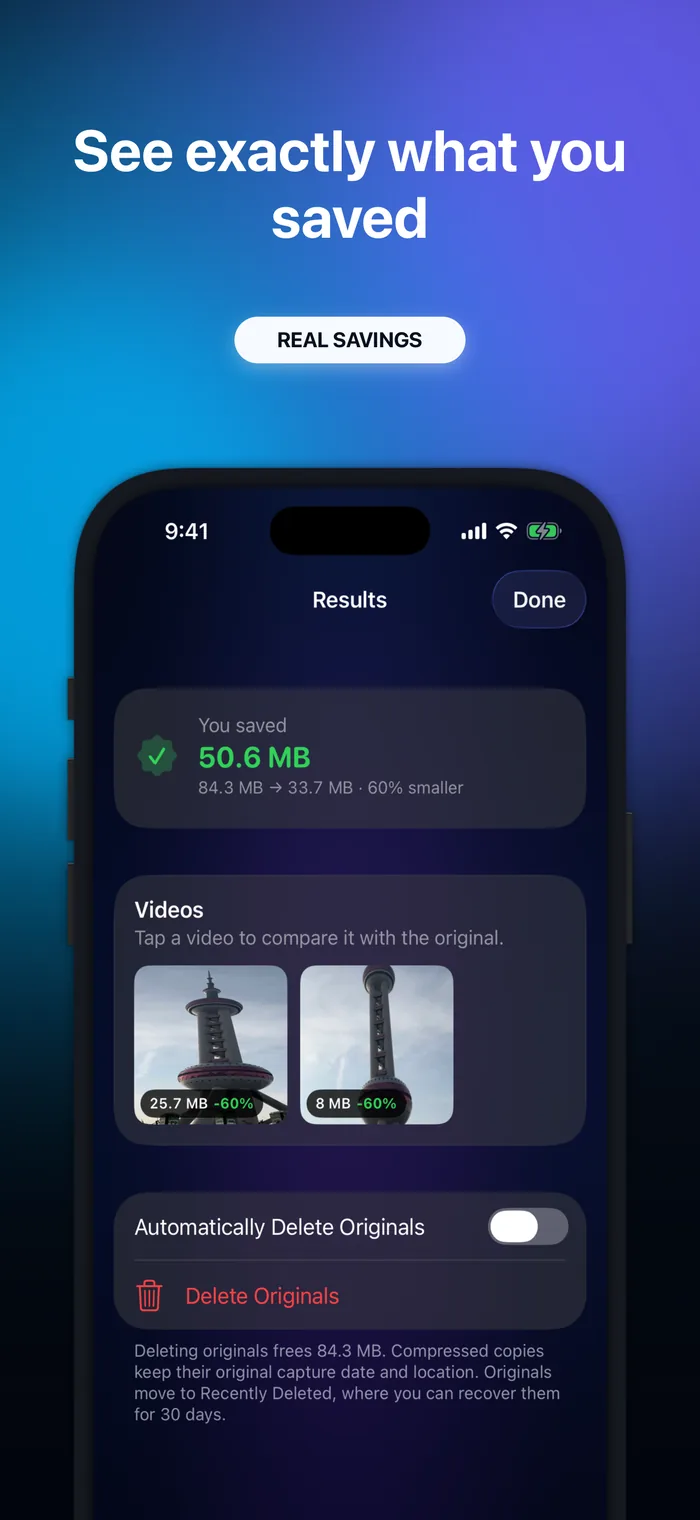
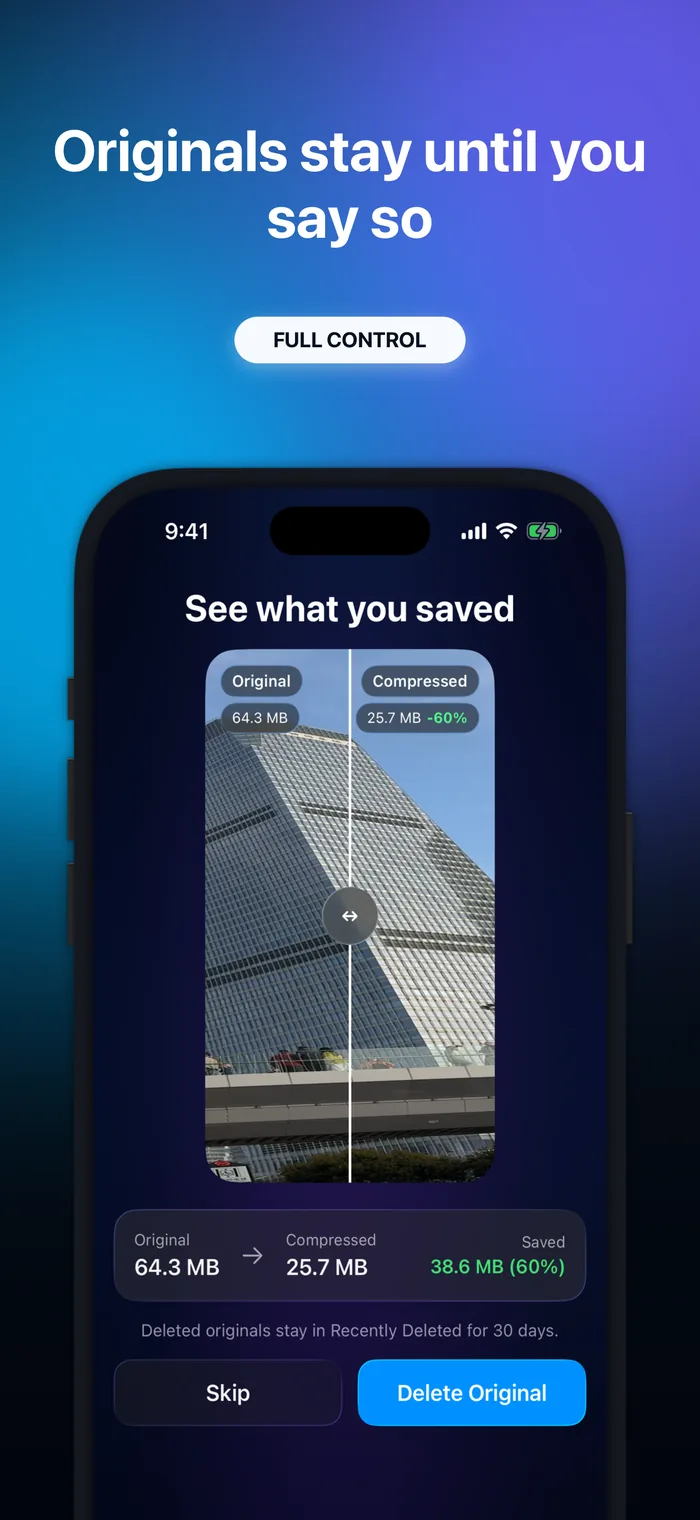
There is no separate logo or wordmark. The app icon is the brand mark.
These assets may be used to report on Video Compressor. Please do not alter the app icon.
Photos
Real photos taken by Antoine. They may be used to report on Video Compressor.
Please credit Antoine van der Lee.
-

Antoine with Video Compressor
Antoine holding his iPhone with Video Compressor on screen. Three crops of the same photo.
-

-


Links
Press contact
Email me for interviews, a free Pro code to review the app, or other assets.
Reviewing the app? Redeem free Pro access with this code. If it does not work, email me.
Redeem Pro code VIDEOPRESS